Questions
How do I add multiple Chrome profiles to the Mac Dock?
macOS has no built-in way to do it, and neither does Chrome. Dragging Chrome to the
Dock gives you one icon for all profiles, and open -na "Google Chrome"
--args --profile-directory="Profile 1" opens a new window every time rather
than returning to the one you had. The fix is a separate launcher application per
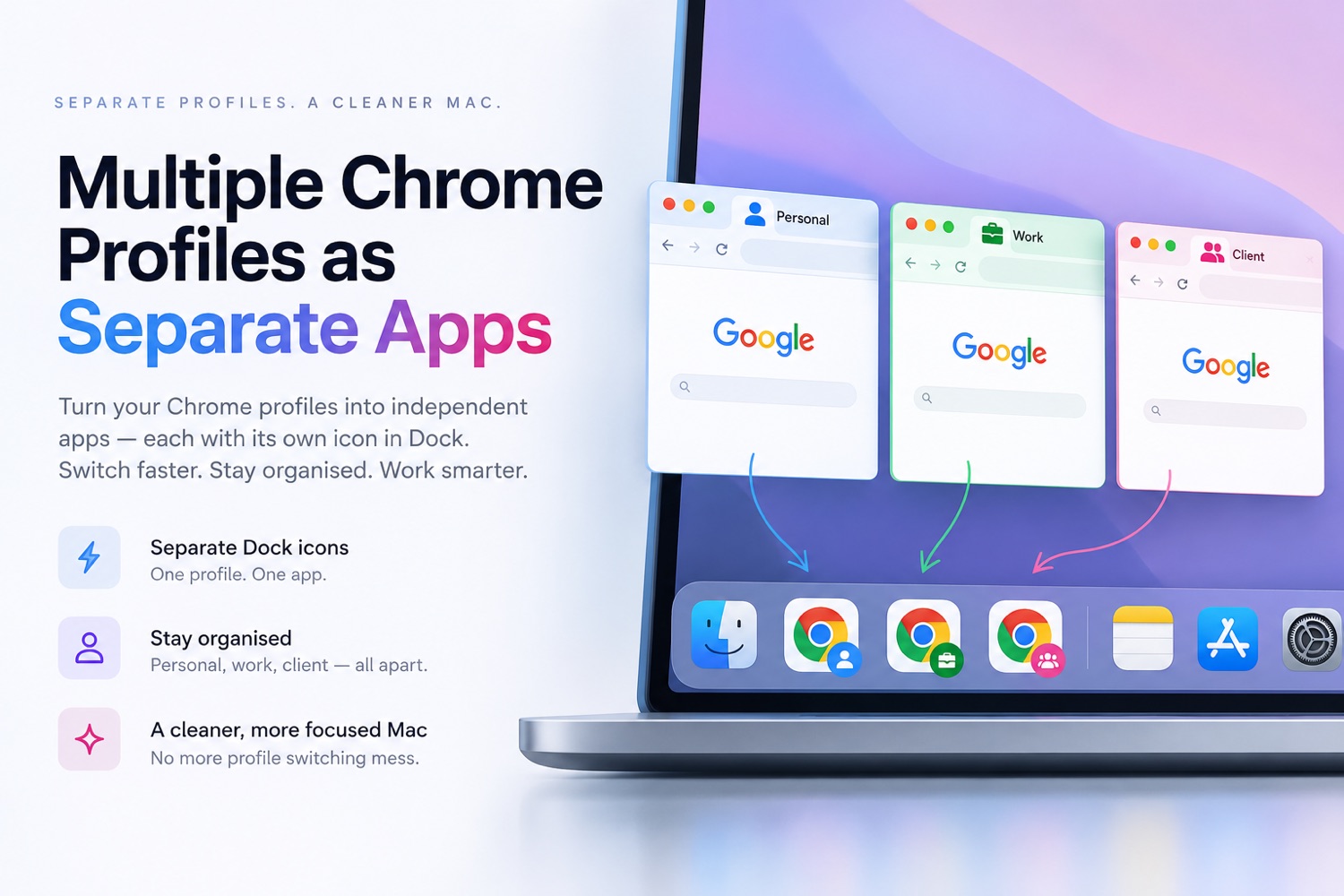
profile. Okie Dockie builds those for you: open its menu bar icon, choose Chrome
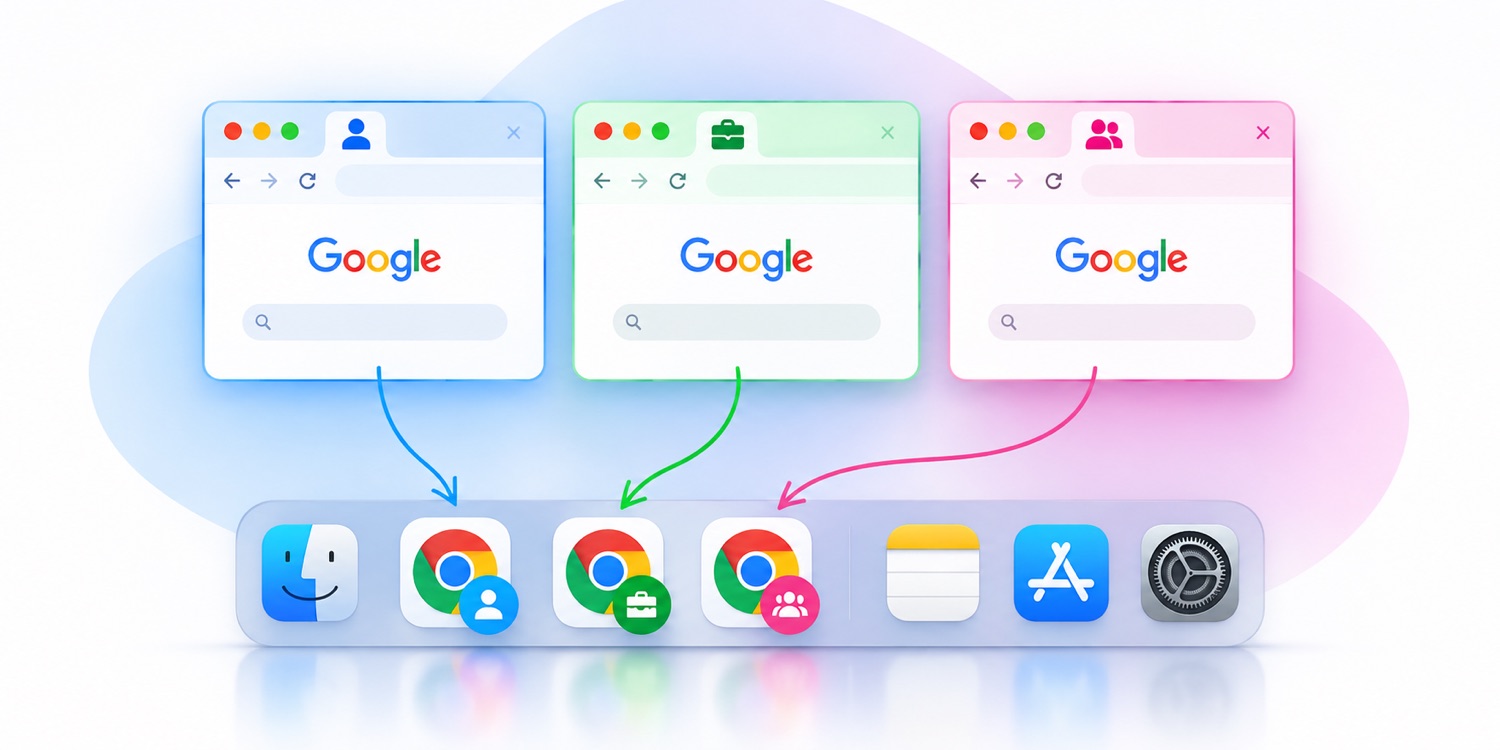
Profiles, tick the profiles you want, and each one gets a real Dock icon badged with
that profile's picture. Clicking it raises that profile's existing window; clicking
again cycles through its other windows.
Why does Chrome open a new window instead of the one I already had open?
Because every command-line and Dock route into a Chrome profile asks Chrome to
launch that profile, and Chrome's answer to a launch request is always a new
window. Nothing in Chrome's own interface targets an existing window. Getting back to
it means finding the window through macOS itself and focusing it — which is what Okie
Dockie's profile Dock icons do.
Can I pin a specific Chrome profile to the Dock?
Not with Chrome or macOS alone. You can pin Chrome, but the icon is Chrome as a
whole — it has no notion of which profile you meant. A per-profile Dock icon requires
a separate application bundle for each profile, which is what Okie Dockie creates,
with the profile's own picture on the icon so you can tell them apart at a glance.
How is Okie Dockie different from Epichrome?
Epichrome builds standalone Chrome-based apps, each with its own separate browser data, so logins, extensions and history are kept apart from your main Chrome. Okie Dockie does not change Chrome; it adds Dock icons that open the profiles you already use, with the same logins, extensions, history and passwords. Epichrome's developer has ended its development.
Why does it need Accessibility permission?
It is the only API macOS provides for seeing and moving other apps' windows, and every feature depends on it. Okie Dockie never reads window contents, and only goes online for licence activation and update checks. Revoke it any time and the app simply stops acting.
Does hovering bring windows to the front?
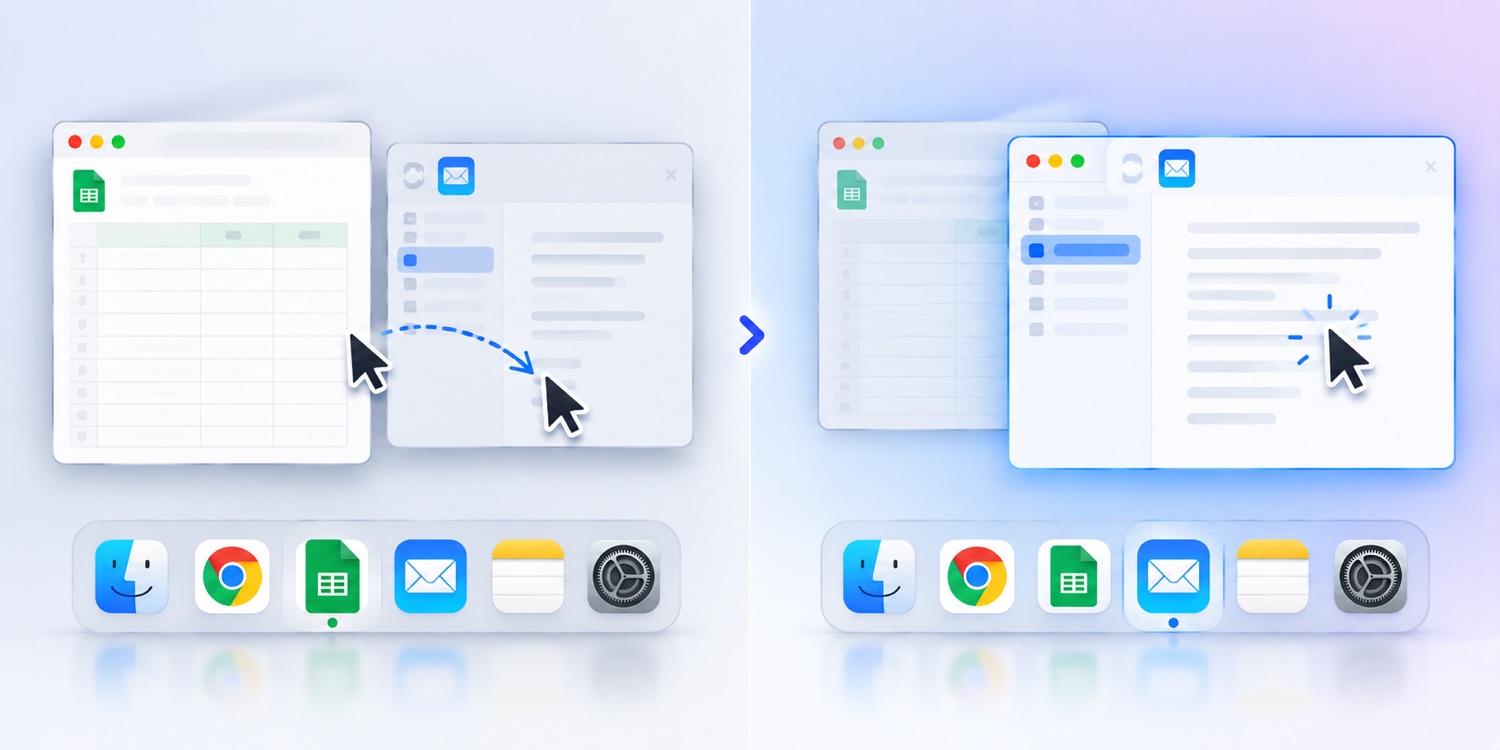
No. Focus moves to the window under your pointer while stacking is left alone.
One exception: Chrome ignores focus changes that do not reorder, so hovering
between two Chrome windows will not switch them.
Which browsers work for profile Dock icons?
Chrome, plus its Beta, Dev and Canary channels. Safari cannot be supported — it
accepts no profile argument and exposes no profile list, so no app can do this for
Safari.
Is it on the Mac App Store?
Okie Dockie is sold directly from okiedockie.app. Every release is signed with an
Apple Developer ID and notarized by Apple, so macOS opens it like any other trusted
app, and updates arrive inside the app itself. Buying direct also means one payment
covers three Macs and support comes from the people who built it.
What is free and what costs money?
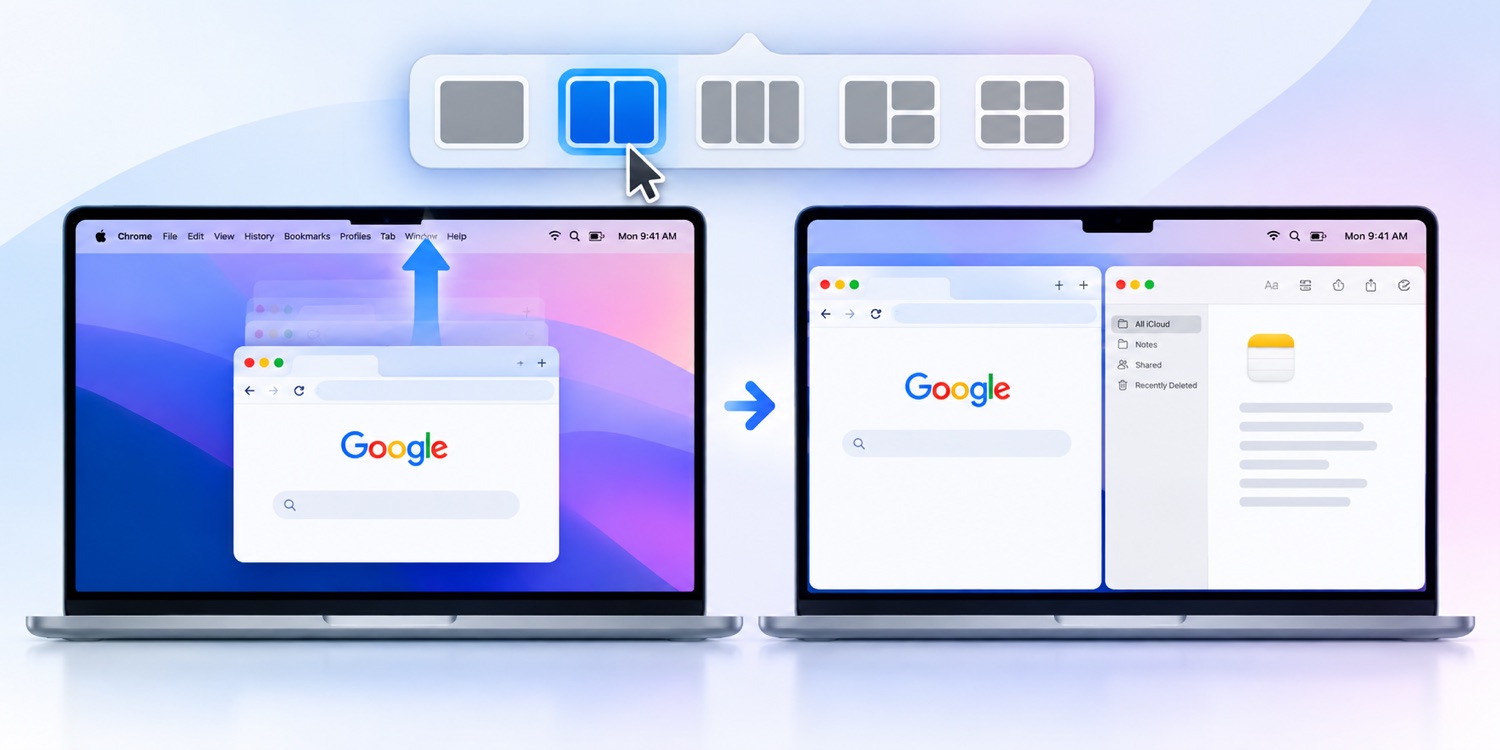
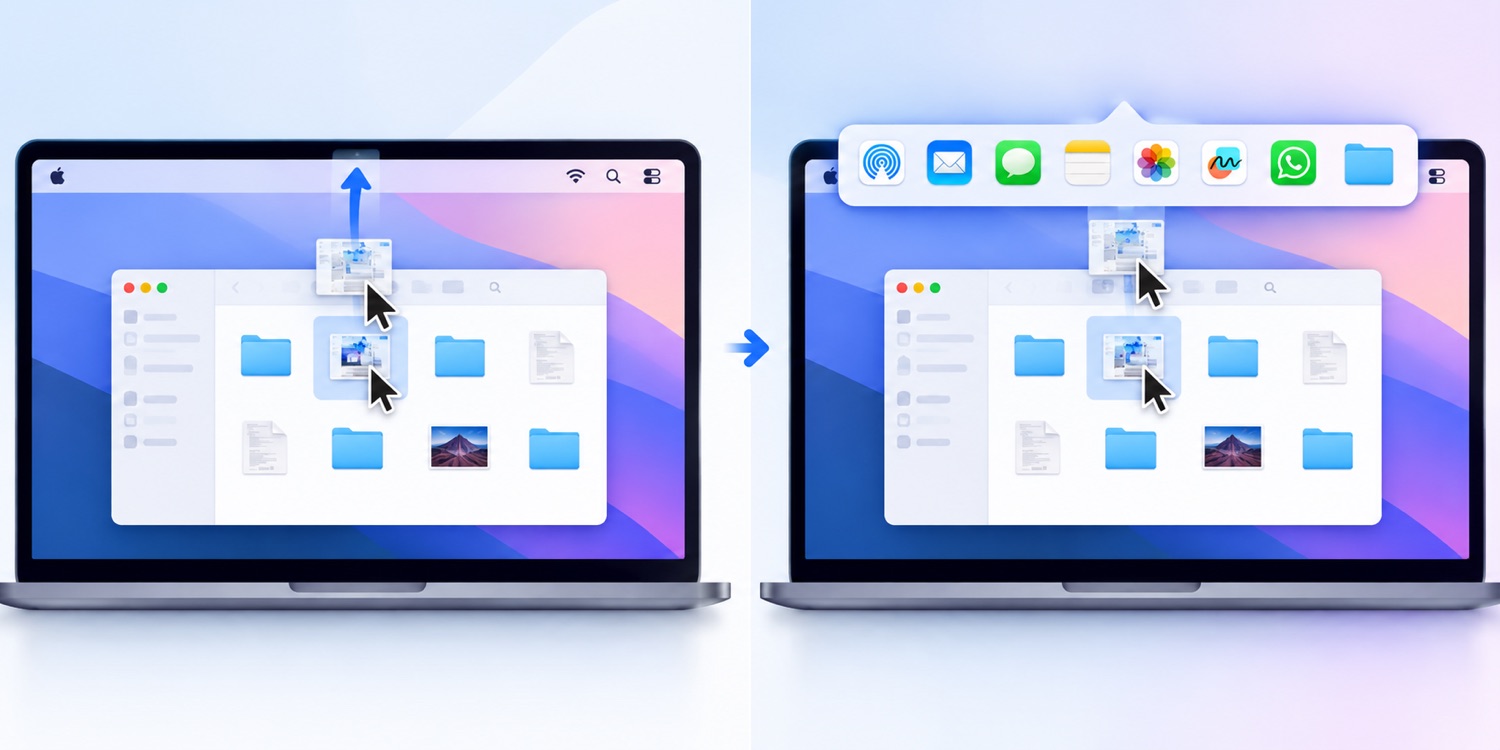
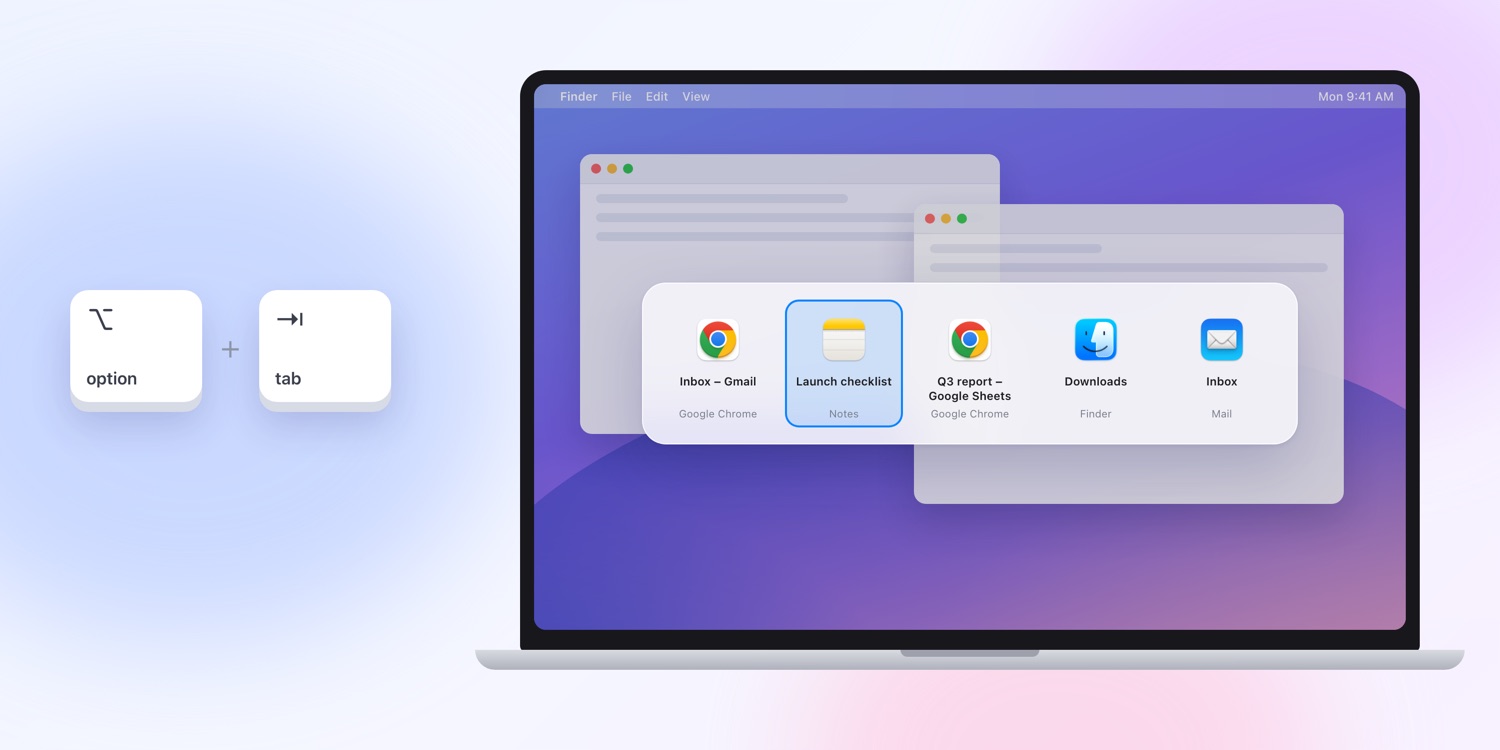
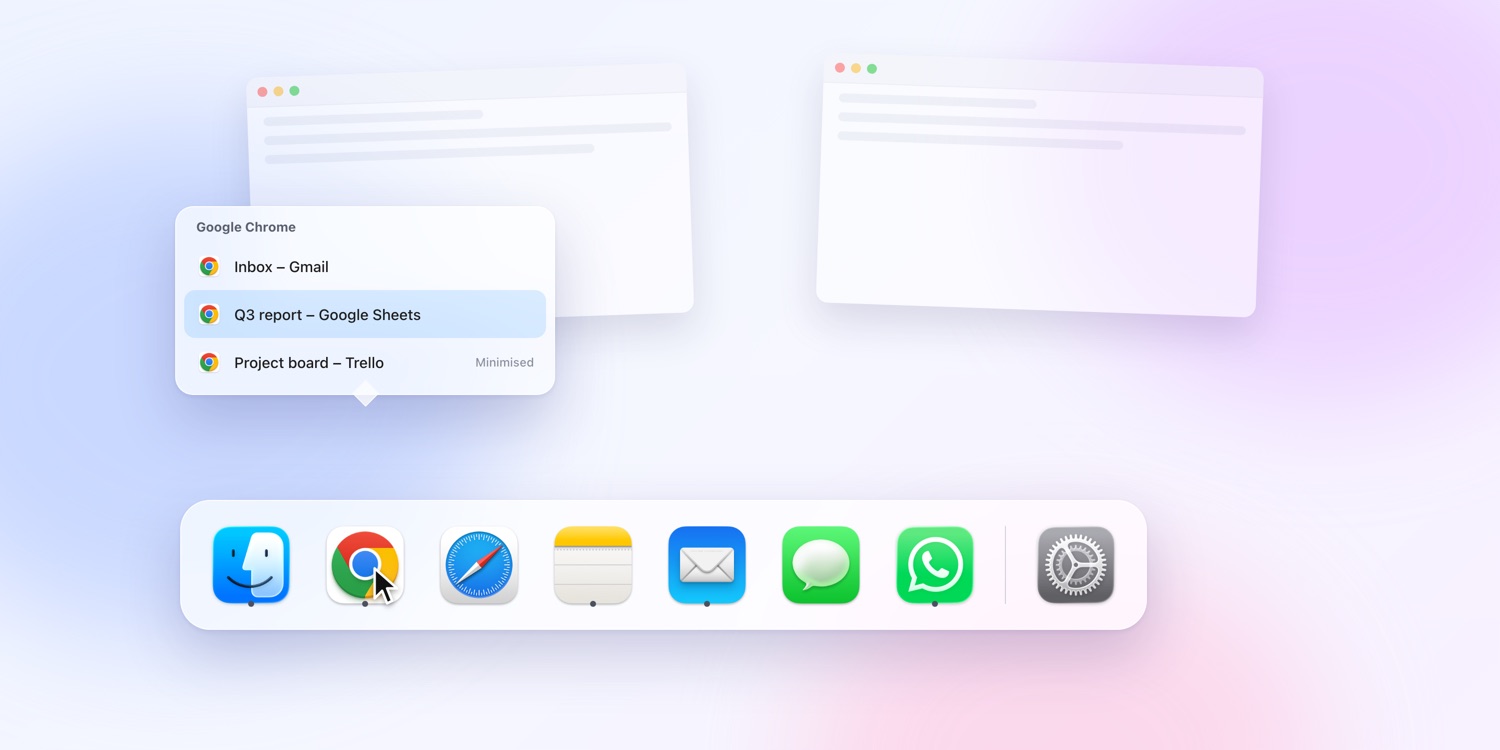
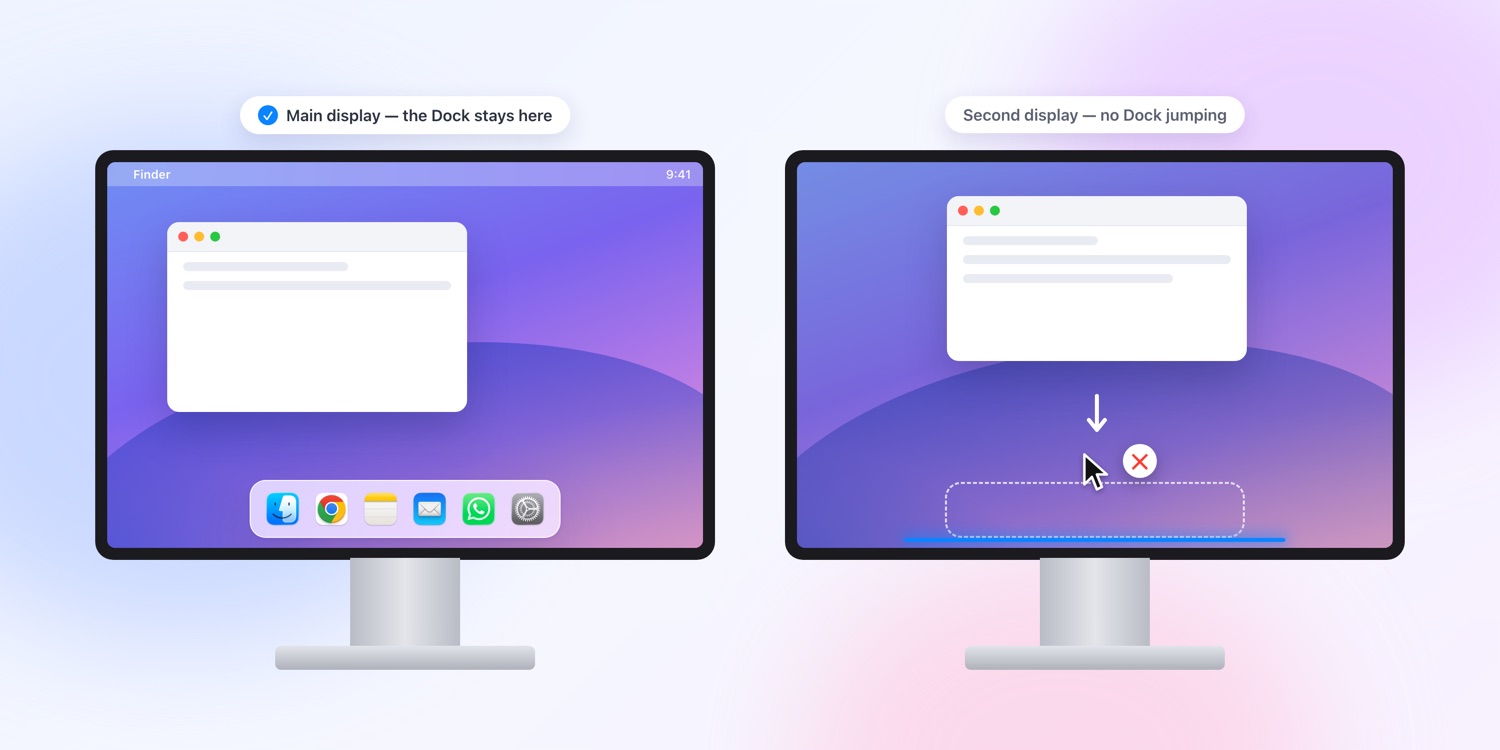
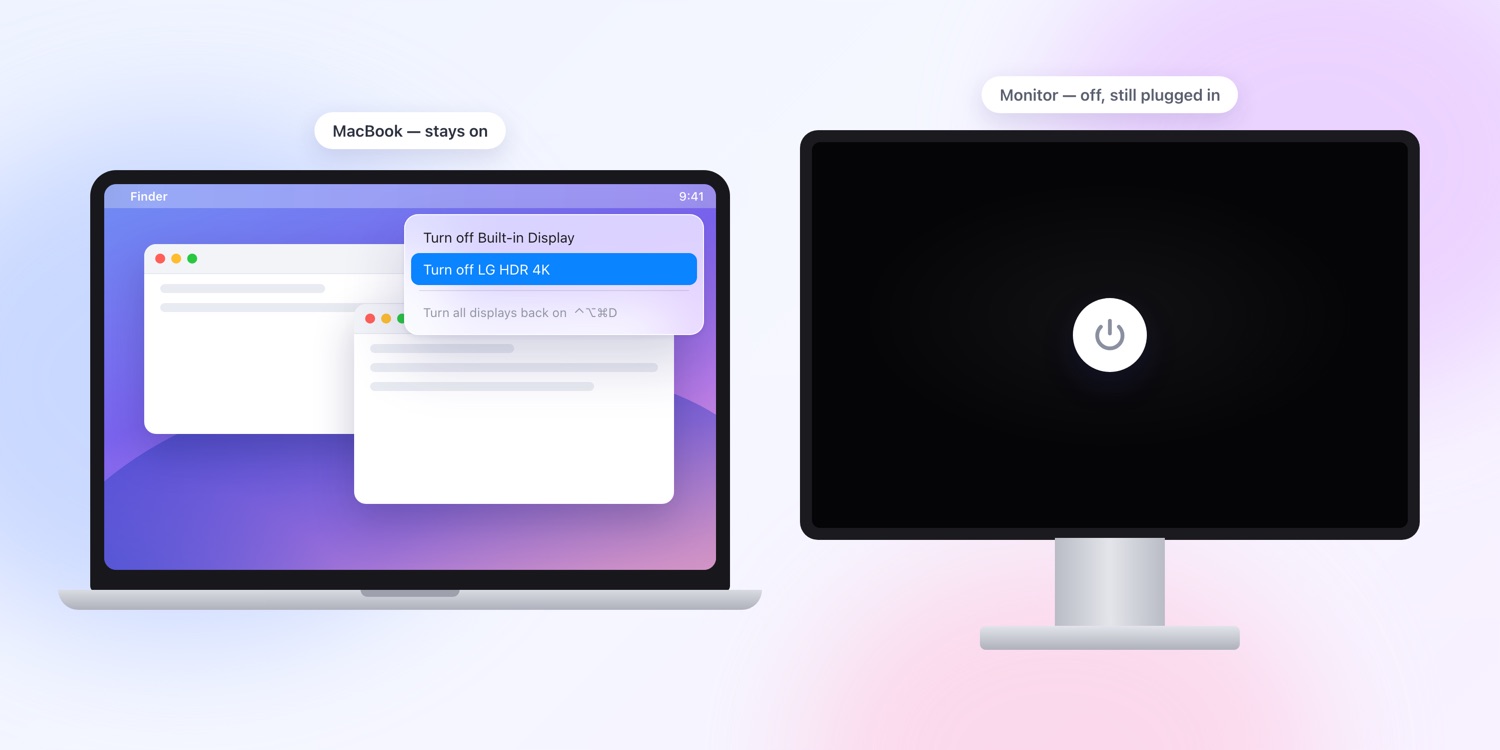
Nearly everything: snap layouts, the Option-Tab window switcher, Dock window lists, keeping the Dock on one display, turning a monitor off, one-click window focus, the drag-to-top share tray and the keyboard shortcuts — free, no account, no expiry. The one paid feature is giving each Chrome profile its own Dock icon, and that comes with a 7-day free trial that starts the moment you open the app — no sign-up, no email, no card.
Which apps show up in the share tray?
Whatever macOS offers for that file — the same list as Finder's Share menu, which
you control in System Settings under Login Items & Extensions. Apps that ship a
Share Extension appear automatically. Okie Dockie also reaches WhatsApp, Telegram,
Slack and Discord, which ship none.
How many Macs does one licence cover?
Three at a time. You sign in with the email address you bought with and a
six-digit code we send you — there is no password and no licence key to keep safe.
Moving to a new machine? Choose Deactivate This Mac in the licence window and the
seat is free again.
What if I reinstall macOS, or you go offline?
Reactivating the same Mac never uses a second seat. And if the licence server
cannot be reached, Okie Dockie keeps working for 14 days while it retries — a server
problem of ours should never stop you working.